When AI Should Hand Off to a Human: The Escalation Playbook
AI support escalation means knowing when to call a person. See the triggers that hand off to a human, how to pass context cleanly, and how to set it up without code.
SquadOS Team · June 8, 2026 · 8 min read
AI doesn’t have to answer everything to be good. It has to know when to stop. Support that goes wrong is almost never the bot that escalates too fast. It’s the opposite: the bot pushes, tries to solve what it can’t, repeats a script to an already-angry customer, and by the time the person finally reaches an agent, they’re furious and have to tell the whole story again.
Escalation is the part of AI support nobody notices when it works and everybody feels when it breaks. It’s the rule that decides what the agent solves alone and what it hands to a person, at the right moment, with the context attached. This guide covers what real escalation is, the triggers that should hand off to a human, how to make a handoff the customer barely feels, and how to set it up without turning it into an IT project.
What escalation means in AI support

Escalation is the controlled handoff of a conversation from the AI agent to a human agent, with the conversation context attached. It’s not the bot “giving up.” It’s the agent recognizing its limit and handing the case to the right person, without the customer losing what they already said.
The gap between good and bad escalation defines the whole support experience. In the bad version, the customer hits a wall with the bot, can’t get out, and when a human finally shows up, has to repeat everything from scratch. In the good version, the transition is so clean the person barely notices the switch: the conversation continues where it left off, and the agent already knows who they are, what the problem is, and what the bot already tried.
There are three ways to escalate, and the agent needs all three:
- Automatic trigger. The agent detects a signal (angry customer, topic outside the knowledge base, risky request) and hands off on its own, without the customer asking.
- Customer request. The person says “I want to talk to an agent.” The agent doesn’t push back, doesn’t add friction. It hands off right away.
- Low confidence. The agent senses its own answer might be wrong and chooses to call a human rather than guess. This is the most sophisticated kind, and the one that protects the brand most.
Escalation isn’t a sign of weak AI. It’s a sign of mature support. An agent that never hands off to a human isn’t smarter, it’s more dangerous: it’s answering things it shouldn’t, with the confidence of someone who knows and the content of someone who guessed.
The 5 triggers that should hand off to a human

The triggers that should escalate are an angry customer, a risky request, an off-base topic, repetition without a fix, and an explicit request for a human. When any of them shows up, the agent stops trying and calls a person. Getting these five wrong is what turns automation into a headache.
-
Angry or frustrated customer. When the tone shifts, the priority stops being “solve it” and becomes “calm them down,” and that’s human work. A bot trying to defuse anger with a polite script only makes it worse. The agent detects frustration in the text and hands off before it turns into a public complaint.
-
Request that’s risky for the business. A discount outside policy, a sensitive cancellation, a large refund, anything touching money or legal commitment. The agent doesn’t decide that. It gathers the context and passes it to someone with authority.
-
Topic outside the knowledge base. If the answer isn’t in the company’s knowledge, the agent doesn’t invent it. It recognizes the gap and escalates instead of guessing information that might be wrong. This is where the anti-hallucination guardrail saves the brand.
-
Repetition without a fix. The customer rephrases the same question two or three times and the agent keeps spinning. That’s a clear sign the conversation stalled. Pushing breeds anger. Handing off solves it.
-
Explicit request. “I want to talk to a person.” This one is non-negotiable. An agent that holds the customer hostage after that request destroys trust instantly. Hand off, no detour, no one-more-try.
The rule behind all five is the same: the agent covers the predictable, information-based volume, and the person takes what needs judgment, empathy, or authority. Getting that split right is what makes automation add to the team instead of fighting it.
How to make a handoff the customer never feels

An invisible handoff is one where the conversation continues where it left off, with the human agent already armed with the full history. The customer repeats nothing, restarts nothing, doesn’t feel “transferred.” The difference is in what travels with the conversation.
What kills a handoff is making the customer tell the story again. Everyone has been through it: explain the problem to the bot, drop to the agent, and the agent’s first line is “tell me what happened.” In that instant, the whole advantage of automation evaporates. The customer feels they talked to the bot for nothing.
For a clean handoff, three things need to travel with the conversation:
- The full history. Everything the customer said and everything the agent answered, in order. The human agent reads it in seconds and gets the context without asking a single question.
- The reason for escalation. Why the agent handed off: angry customer, off-base, risky request. That alone steers the agent toward the right tone and action.
- The data the agent already collected. Order, account, status pulled from the system. The tedious legwork is already done when the person takes over.
Then there’s the transition itself. The agent tells the customer it’s bringing someone in, without vanishing and without leaving the person hanging. And it routes to the right human, not a generic queue: a billing case goes to finance, a technical problem goes to support. Good escalation isn’t just “pass to a human.” It’s passing to the right human, with everything in hand, without the customer feeling the step down.
How to set up escalation without a project
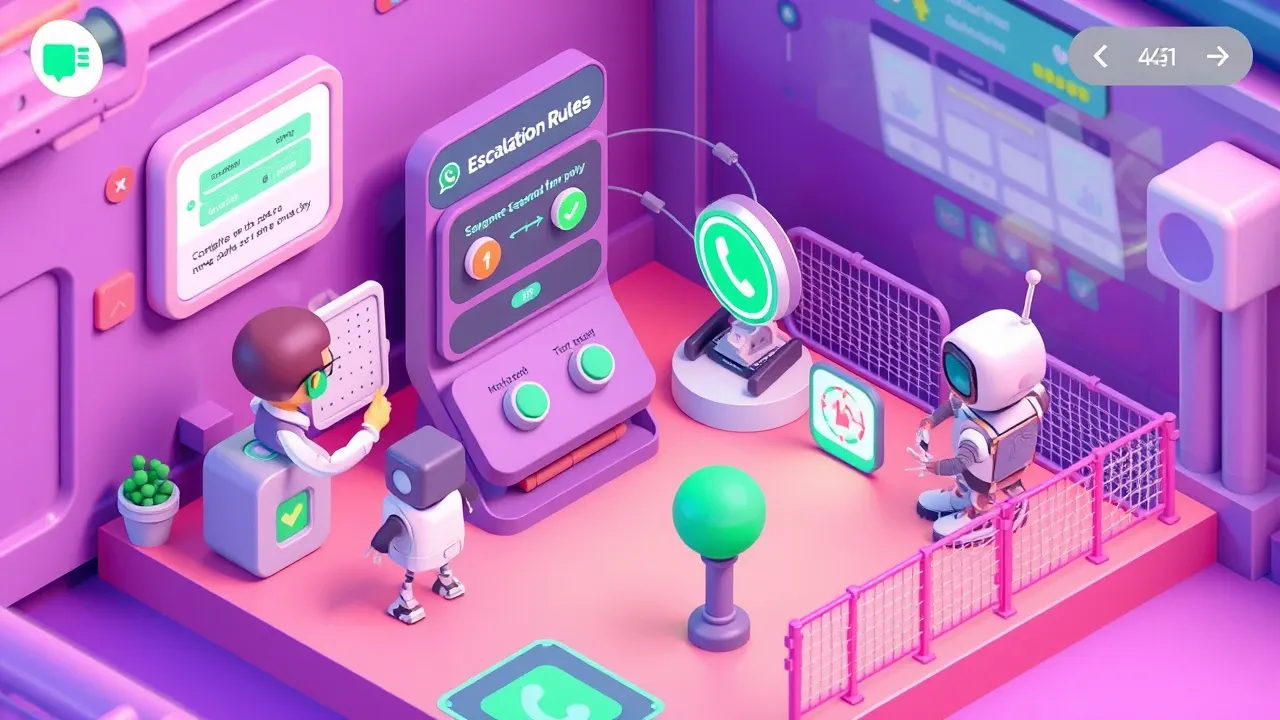
You set up escalation by defining the triggers, connecting the team that receives them, and turning on the guardrails, all by describing the behavior instead of programming it. On a platform where this is native, building the “when to call a human” rule is configuration, not development.
The practical path is short:
- Define your business’s triggers. The five from the previous section are the baseline, but every operation has its own: an e-commerce store escalates a return request, a clinic escalates an urgent reschedule. List what only a person resolves.
- Connect who receives. The escalated conversation has to land with a real person, in the channel the team already uses. Without that, escalation becomes a black hole: the agent hands off and nobody picks up.
- Lock tone and limits with guardrails. Anti-hallucination so it escalates instead of inventing, PII protection on the history that travels, consistent tone of voice even in the transfer message.
- Monitor and adjust. Watch what’s escalating too much (a loose trigger) and what should have escalated and didn’t (a missing trigger). The right cutoff shows up in real use, with continuous correction.
The detail that changes the game: whoever understands the support defines the escalation rules, no IT queue. The barrier is no longer technical. The work became drawing the line well between what the AI solves and what needs a person.
Want an agent that knows when to call your team? On SquadOS you build the external agent by chatting in AgentMaker, define the escalation triggers, connect WhatsApp, web, and Telegram as native channels, and turn on the anti-hallucination, PII, and tone-of-voice guardrails. The agent runs 24/7, escalates to the right human with the full context attached, and every conversation stays audited end to end.