Website Chatbot: Add an AI Agent in Minutes
A website chatbot answers the visitor on the spot so a question never turns into a bounce. See what a real AI chatbot is, what it does, and how to add one in minutes.
SquadOS Team · June 8, 2026 · 7 min read
The visitor lands on your site with a question in mind. How much it costs, whether you do this, whether you serve their area. If they find the answer fast, they move forward. If they don’t, they close the tab and head to the competitor. Most sites lose the sale right there: the information exists, but it’s buried three clicks deep, and the visitor has no patience to hunt for it.
A website chatbot fixes this by putting the answer where the question is born. Instead of the visitor searching, they ask, and an AI agent answers on the spot. This guide explains what a real website chatbot is, what it’s for, why it’s worth it, and how to add an AI agent to your site in minutes, without turning it into a project.
What a website chatbot is (and what AI changed)
A website chatbot is that conversation window in the corner of the page that answers the visitor right there, without them leaving the site. With AI, it stopped being a menu of buttons and became an agent that understands the question in natural language and answers with the company’s actual information.
The gap between the old chatbot and the AI one is huge. The old model was a tree of buttons: “click here for support, here for sales.” It worked only if your question was one of the foreseen options. Step off the script and it froze, leaving the visitor more frustrated than if there’d been no chat at all.
The AI chatbot flips that:
- Understands, doesn’t filter. The visitor types the question their own way, and the agent grasps the intent, instead of demanding they guess the right category.
- Actually answers. The reply comes from the company’s knowledge, specific to the question, not a “I didn’t get that, try again.”
- Holds a conversation. You can ask back, refine, request detail. It’s a dialogue, not a form in disguise.
That shift is what turns the chatbot from decoration into support. The visitor doesn’t feel they’re fighting a dumb robot. They ask the question and get the answer, the way they would with a good agent on the other side.
What a website chatbot is for
A website chatbot is for answering questions on the spot, capturing leads, helping with the sale, and taking repetitive work off the team, all at the moment the visitor is on the page. It turns idle traffic into conversation, and conversation into results, without depending on someone being free to answer.
In practice, it covers four fronts:
- Answers questions on the spot. Price, deadline, scope, “do you do this?” The answer appears where the question was born, and the visitor doesn’t have to dig through the site or email and wait.
- Captures leads. Instead of the interested visitor leaving anonymous, the chat starts a conversation, understands what they want, and logs the contact. Traffic that would leave without a trace becomes opportunity.
- Helps with the sale. Recommends a product, compares options, handles objections, guides the visitor to the next step. It’s a first-layer salesperson available on every page.
- Relieves the team. The same questions that clogged email and phone, the agent answers on its own, and the human team focuses on what needs a person.
The detail that multiplies the value: all of this happens in parallel, with any number of visitors at once, at any hour. The site that used to be a mute storefront starts talking to whoever arrives, even at 3 a.m.
Why it’s worth having (even if you already have WhatsApp)

It’s worth it because the chatbot serves the visitor at the exact moment and place of the intent, inside the site, without making them switch channels or wait. Even those who already use WhatsApp gain: not every visitor wants to start a message thread, and every extra click between the question and the answer is someone who drops off along the way.
The core gain is the context of the moment. When someone is on your site, their attention is on your company right now. Sending that person out of the site, into WhatsApp, and starting from scratch breaks that moment. The chatbot captures the peak of interest by answering right there, with no friction.
There are also the direct gains:
- Less bouncing. The question that would make the visitor close the tab turns into an answer on the spot. Fewer people leave without finding what they came for.
- More conversion. A visitor who gets their question resolved in the moment moves toward a purchase or contact more than one who had to hunt for the information.
- Support with no hours. The site gets people at any hour. The chatbot serves them all, including at night and on weekends, when no one from the team is around.
And it’s not “chat or WhatsApp.” The best setup is both wired to the same agent, with the same knowledge and the same tone. The visitor picks the channel, the company answers the same, and the history is shared. A website chatbot doesn’t compete with WhatsApp, it adds as one more door into the same conversation.
How to add an AI agent in minutes
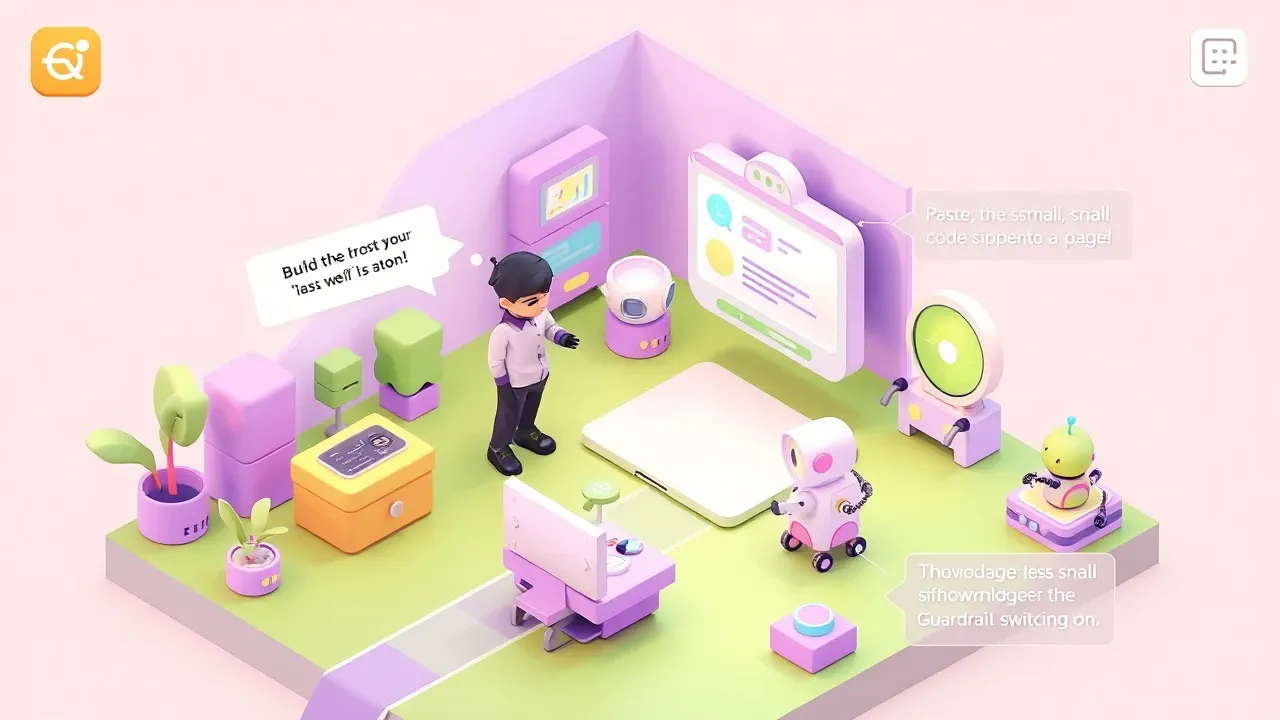
You add an AI agent to the site by building the agent, uploading the knowledge base, and pasting the widget into the page, all without programming. On a platform with a native website channel, getting the chat live is configuration and a ready-made snippet, not a development project.
The path is short and needs no technical team:
- Build the agent. Describe what it handles, the brand tone, and what it does: answers questions, captures leads, helps with the sale. On a platform with AgentMaker, that’s a conversation, not prompt configuration.
- Upload the knowledge base. FAQ, prices, services, policies. This is where the right answer comes from. Without a good base, the chat answers generically or guesses, and the anti-hallucination guardrail exists precisely to stop the guess.
- Paste the widget into the site. The chat goes in with a ready-made code snippet on the page. In minutes the little window is live, actually answering.
- Turn on guardrails and escalation. Anti-hallucination so it doesn’t invent, PII protection, locked tone, and the rule for when to hand off to a human. Fast and reliable support, not fast and loose.
The part that surprises those who’ve never set one up: you don’t need a developer. Whoever understands the support builds the agent, uploads the knowledge, and publishes. The barrier that used to exist (hire a dev, integrate an API, maintain code) is gone. The work became defining well how the agent should answer.
Want an AI agent on your site today? On SquadOS you build the external agent by chatting in AgentMaker, upload your knowledge base, publish the chat on your site as a native channel, and turn on the anti-hallucination, PII, and tone-of-voice guardrails. The agent answers the visitor on the spot, captures leads, helps with the sale, and escalates to your team only what needs a person, with every conversation audited.