Internal Helpdesk with AI: How to Cut IT and HR Tickets
An internal helpdesk with AI answers recurring questions instantly and opens tickets on its own. See how to cut the IT and HR queue, with human escalation.
SquadOS Team · June 4, 2026 · 7 min read
“How do I reset my password?” “What is the process to request time off?” “The VPN dropped again.” IT and HR spend the day answering the same question for the thousandth time, while the work that actually needs their brains sits in the queue. The employee, on the other end, waits hours for an answer that fit in two lines.
An internal helpdesk with AI breaks that cycle. An agent handles the recurring question on the spot, in plain language, and only passes to a human what genuinely needs a person. This guide shows how to set it up in practice: what AI resolves on its own, how to configure it step by step, and how to measure whether it works.
Why IT and HR drown in repeat tickets

IT and HR drown in repeat tickets because most of the demand is the same question wearing a different outfit. A large slice of requests are not new problems: they are people who do not know where the information lives, or who would rather ask than look.
Look at any internal support queue and the pattern repeats:
- Passwords, access, and VPN. The volume champion in IT. Resets, unlocks, folder permissions, device setup. All known procedures, repeated endlessly.
- Policy and benefits. In HR, it is time off, allowances, sick notes, payslips, health plans. The answer sits in a document nobody remembers the location of, so they ask.
- Status of something already requested. “Did my ticket move?” “Was the purchase approved?” Half the effort is people asking about things already in progress.
The cost is not just the analyst’s time. It is the employee stuck waiting, the simple question competing with the serious incident for the same queue, and the qualified person spending the day on work that uses none of their skill. This kind of demand, repetitive with a known answer, is the perfect case for automation.
What AI resolves on its own (and what escalates to a human)
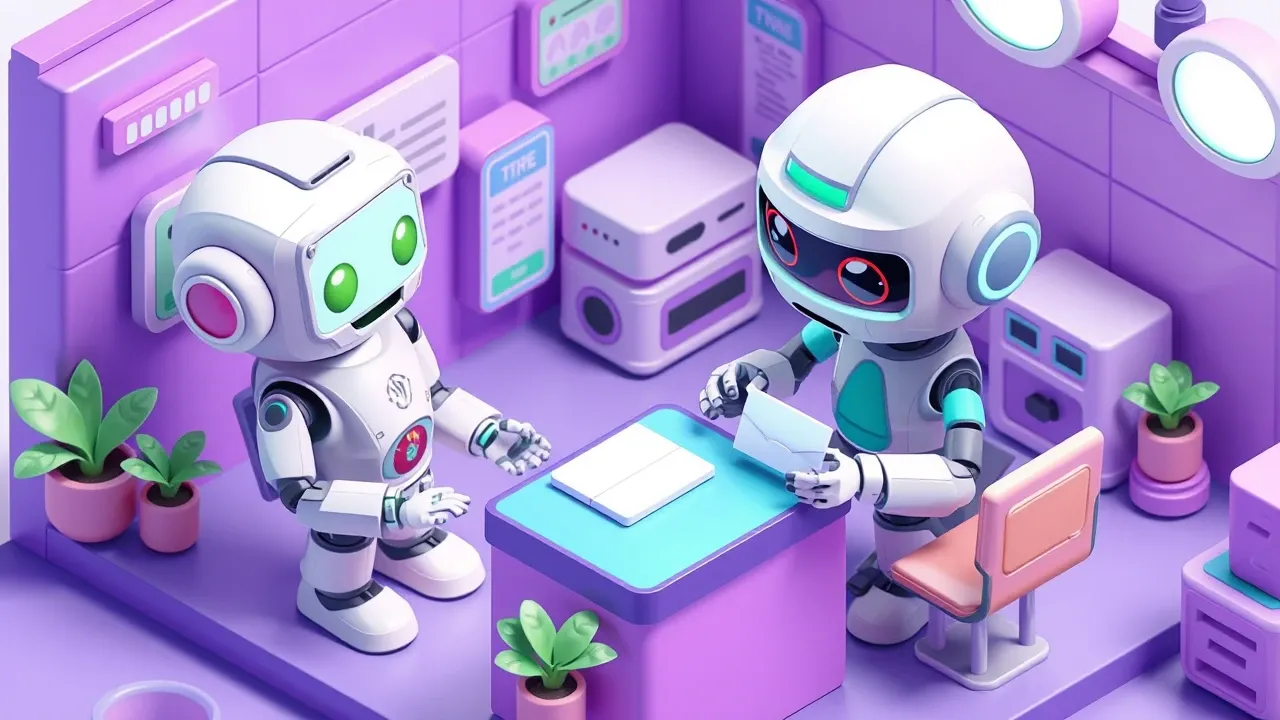
AI resolves the known-answer question and the standard-procedure request on its own, and escalates to a human anything that involves judgment, an exception, or sensitive data. The rule is simple: what is documented, the agent answers; what needs a decision, it forwards with context.
What the agent closes without a human:
- Questions with an answer in the knowledge base. Procedure, policy, “where is”, “how do I”. If the information lives in a document, the agent answers on the spot, citing the source.
- Low-risk, clear-rule tasks. Password reset, opening a ticket, order status, scheduling. Standardized actions that follow a fixed set of steps.
- Triage. Even when it cannot resolve, the agent collects the right information (which system, which error, since when) and opens the ticket already organized, instead of the human bouncing back and forth asking for detail.
What goes up to a human, always:
- Exceptions and sensitive cases. Terminations, conflicts, delicate personal data, anything off-pattern. The agent recognizes the limit and passes it on.
- Decisions that need approval. Granting special access, making a policy exception, approving spend. AI prepares it, the person decides.
- Detected frustration. If the employee is clearly upset or the topic is delicate, fast escalation beats insistence. Well-set guardrails ensure this.
A good agent does not try to solve everything. It knows where it stops. That clear boundary is what makes the employee trust it, instead of treating the bot as an obstacle between them and real support.
How to build an internal helpdesk with AI, step by step

Building an internal helpdesk with AI starts with the knowledge base and ends with the escalation rule. The order matters: feeding the agent the right information before connecting it to channels avoids the worst case, which is a bot answering wrong with confidence.
The path that works, in steps:
- Gather the knowledge base. Pull together the IT and HR procedures you already have: manuals, policies, internal FAQ, answers the team already gives by email. It is the agent’s raw material. Without it, there is nothing to answer with.
- Start with the volume champions. Do not try to cover everything on day one. Take the ten most frequent questions and make sure the agent nails those. They already account for a big share of the queue.
- Define the actions it can perform. Just answer, or also open a ticket, reset a password, check status? Connect the systems (service desk, user directory, HR) through integrations so it acts, not just informs.
- Write the escalation rule. Make explicit what goes to a human and how: sensitive topic, approval request, question with no answer in the base, unhappy employee. The agent always passes the history along.
- Set the guardrails. Define what the agent never answers (someone else’s personal data, a termination decision, anything out of scope) and the tone it uses. In an internal helpdesk, under-answering beats making things up.
- Publish on the channels the team already uses. Slack, Teams, internal WhatsApp, portal. The employee will not change habits; the agent goes to wherever they already ask for help.
On a chat-to-build platform, you describe the agent in natural language, upload the documents, and connect the systems without drawing a flowchart. AgentMaker suggests the integrations and the prompt; you adjust the rule and publish.
What to measure: deflection, response time, and satisfaction

An internal helpdesk with AI is measured by three numbers: deflection rate, first-response time, and the satisfaction of whoever used it. Together they show whether the agent is taking weight off the team without making the experience worse for the person asking.
- Deflection rate. The share of questions resolved by the agent without reaching a human. It is the most direct indicator of queue relief. If it climbs week over week, the agent is learning to cover more cases.
- First-response time. With AI, the first response becomes instant, 24 hours a day. It is worth tracking resolution time for the cases that still go to a human too, because the agent’s triage should speed those up as well.
- Satisfaction. A “did this solve it?” at the end measures whether the answer was genuinely useful or just fast. High deflection with low satisfaction is a sign of a bot pushing people away, not resolving. Both need to rise together.
Track what the agent could not answer too. Every gap is an opportunity: it becomes a new document in the base, and the agent covers that case next time. That is how the helpdesk gets smarter without anyone rewriting the bot from scratch.
The goal is never to remove the human from internal support. It is to give IT and HR back the time that today vanishes into repeat questions, so they handle what genuinely needs a person: the complex incident, the sensitive case, the process improvement.
Want to cut the IT and HR queue without losing control over what the agent answers? With SquadOS you build an internal helpdesk agent by chatting: upload your procedures as a knowledge base, connect your service desk and HR systems through 100+ integrations, and the agent answers in Slack or WhatsApp with tone guardrails and human escalation for sensitive cases. AutoLearn even turns every unanswered question into an automatic improvement to the base.