How to Build a WhatsApp AI Chatbot (2026 Guide)
A WhatsApp AI chatbot answers customers 24/7, understands natural language, and escalates to a human. See what it solves and how to build yours step by step, no code.
SquadOS Team · June 5, 2026 · 7 min read
Customers do not email anymore. They message on WhatsApp and expect an answer now. If it drags, they ask again, and if it keeps dragging, they go to the competitor who replied first. Answering well on WhatsApp stopped being an edge and became the floor.
The problem is scale. A human team cannot handle 200 conversations at once, at 3 a.m., on a Sunday. That is where a WhatsApp AI chatbot comes in: an agent that understands the customer’s question in plain language, answers on the spot with the right information, and calls a human only when needed. This guide explains what that chatbot is in 2026, what it solves, and how to build yours step by step, no code.
What a WhatsApp AI chatbot is (and why 2026 changed the game)
A WhatsApp AI chatbot is an agent that talks to the customer in natural language, understands the intent behind the message, and answers based on the company’s knowledge. The difference from the old chatbot is that it does not rely on menus or exact keywords, it understands what the person actually meant.
The decision-tree chatbot, the “press 1 for sales, 2 for support” kind, died of boredom. It broke on the first off-script question and annoyed more than it helped. The customer typed “I want to know about my order” and the bot replied “invalid option.”
What changed by 2026 is the language model underneath. The modern chatbot:
- Understands real language. The customer writes their own way, with typos and slang, and the agent gets it anyway.
- Pulls from the company’s knowledge base. It answers with the real facts of your business (product, policy, timeline), not a generic reply.
- Holds the conversation context. It remembers what was said three messages ago, without making the customer repeat everything.
- Knows when it does not know. Instead of making something up, it recognizes the limit and hands off to a human.
It is no longer a disguised menu. It is an agent that converses. And because it runs on WhatsApp, where customers already live, it serves people on the channel they chose, with no new app and no signup.
What it solves in support

A WhatsApp AI chatbot solves most first-tier support: frequent questions, order status, product information, and triage. It is exactly the repeated volume that ties up the team and needs no human judgment.
In practice it clears the queue of:
- Frequent questions. Hours, address, payment methods, return policy. The customer asks, the agent answers on the spot, any time of day.
- Status and tracking. “Where’s my order?”, “what’s the delivery time?”. The agent checks the system and answers with the real data, not a “please wait.”
- Product and sales information. Product details, comparisons, availability. The agent qualifies the interest and, when the customer is ready, routes to sales or closes right there.
- Triage and routing. The agent understands what the customer needs and, if it is a human case, sends it to the right team with the context, instead of the customer repeating the story three times.
The concrete win shows up in three numbers that matter for support: first-response time drops to seconds, the volume reaching humans falls because the repeated stuff got solved, and support starts running 24/7 without growing the team. Humans stop spending the day on “what are your hours?” and focus on what pays off: the hard case, the big sale, the upset customer who needs a person.
How to build one, step by step
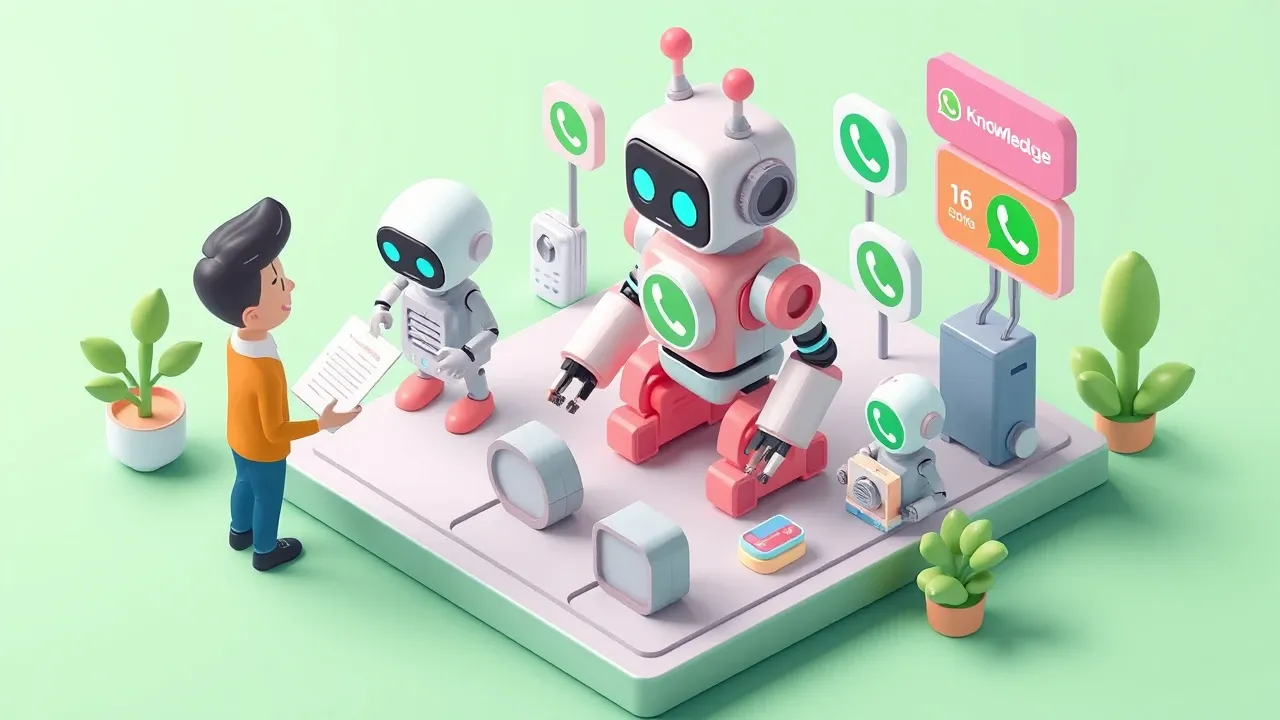
You build a WhatsApp AI chatbot by describing the agent you want, uploading the company’s knowledge, and connecting WhatsApp, all without code on an agent platform. The technical work (model, integration, channel) is the platform’s job, and you handle what you know: how support should work.
The path is five steps:
- Define the agent’s job. What it handles, the tone it uses, what it can and cannot solve on its own. The clearer the scope, the better the result. Start focused, do not try to cover everything at once.
- Upload the knowledge base. PDFs, links, text with the real facts of the business: catalog, policies, FAQ, timelines. This is where the agent draws its answers, so good knowledge is what separates correct support from guessing.
- Build the agent by chatting. On a modern platform you describe the agent in plain language and it gets assembled: prompt, model, tone, and the tools it needs. No code, no flowchart to draw.
- Connect WhatsApp. The integration links the agent to the company’s number. On a platform with a native channel, that is configuration, not development. From there the agent serves on WhatsApp like any other rep.
- Test, watch, and adjust. Chat with the agent as if you were a customer, see where it lands and where it slips, tune the knowledge and the instruction. Support gets good in real use, with continuous correction, not on day one.
The thing that surprises first-timers: there is no technical barrier anymore. Whoever understands support builds the agent, without depending on IT or a development queue. The work became defining clearly what the agent does, not programming it.
Guardrails: what separates a good chatbot from a dangerous one
What separates a trustworthy WhatsApp chatbot from a dangerous one is guardrails: the rules that keep the agent from inventing an answer, leaking data, or going off-tone. A chatbot with no brakes answers fast and errs fast, and in support, getting it wrong in front of the customer is expensive.
The guardrails every serious chatbot needs:
- Anti-hallucination. The agent answers from the company’s knowledge and, when it lacks the information, says so and escalates, instead of inventing a deadline or a policy that does not exist. A made-up answer on WhatsApp becomes a promise the company cannot keep.
- Sensitive-data protection. The agent does not expose one customer’s information to another or handle personal data outside the rules. Support deals with people’s data, so this is not optional.
- A locked tone of voice. The agent talks the way your brand talks, not like a generic robot. Consistent tone is part of the experience.
- Escalation to a human. The most important rule: the agent knows when to stop and call a person. Upset customer, off-pattern case, a decision that needs judgment. A good chatbot does not try to solve everything, it solves what it can and hands the rest to a human with context.
Without guardrails, the chatbot is a gamble. With them, it is a reliable agent that works 24/7. The difference is not how smart the agent seems, it is how well it knows its own limits.
Want to put an AI agent on your company’s WhatsApp without it becoming an IT project? With SquadOS you build the external agent just by chatting: describe the support flow in AgentMaker, upload your knowledge base, connect WhatsApp as a native channel, and switch on anti-hallucination, PII, and tone-of-voice guardrails. The agent serves 24/7 and escalates to your team what needs a human.