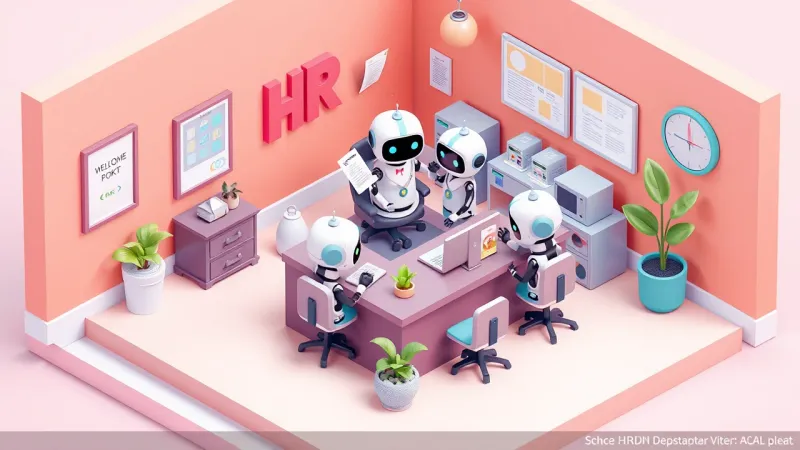
Employee Onboarding with AI: Building a Welcome Agent
AI onboarding takes the weight of the first week off HR. See what a welcome agent does and how to build yours in 5 steps, no code required.
SquadOS Team · June 3, 2026 · 5 min read
Hiring is already hard. But the first week of a new hire is usually worse than it needed to be. The person starts excited and gets stuck on the basics: where things live, who to ask, what to sign, which tool to open first. Every question turns into a message to HR or the manager, who are already busy, and the answer takes time.
A welcome agent solves that part. It is an AI agent that knows your onboarding process and walks the new hire through the first days, answering instantly and in the company’s tone. Below is what it does in practice and how to build yours, without writing a line of code.
Why onboarding stalls in the very first week

Onboarding stalls because it depends on the right person being available at the right moment, and they rarely are. The knowledge exists, but it is scattered: some in the policy PDF, some in the manager’s head, some in a chat channel nobody can find.
The result is always the same. The new hire holds the question back to avoid bothering anyone, sits stuck for half a day, or sends it and waits. Multiply that by every hire and you get an HR team that becomes a first-week help desk, and managers answering the same ten questions on every admission.
The experience is uneven too. Someone who joined on a calm week got real support. Someone who joined during a crunch was left adrift. That hits retention: the first days shape the impression a person carries about the company.
What a welcome agent does (and what it takes off your plate)
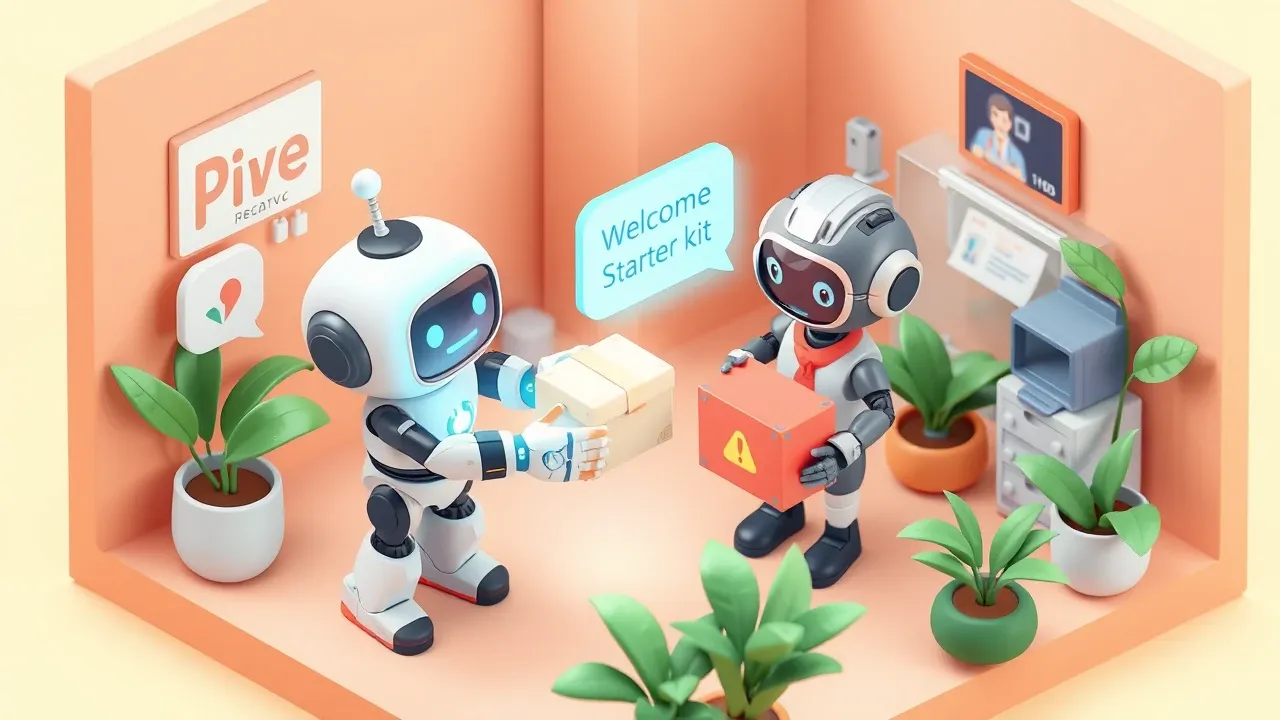
A welcome agent is an assistant that answers a new hire’s questions based on the company’s official documents, in the channel the team already uses (WhatsApp, Slack, Teams, or the internal portal). It handles the repetitive part and leaves only what needs a human to a person.
In practice, it covers:
- The first-week FAQ. Where each system lives, how to request access, what the hours are, how benefits work, when the first paycheck lands. The questions that repeat on every admission.
- The entry checklist. What to sign, which documents to send, which mandatory trainings to take, in what order. The agent reminds and checks what is missing.
- Introducing the company and the team. Who is who, what each area does, where to find the org chart, which channel is for what.
- Routing what needs a human. When a question is sensitive or off-script, the agent passes it to HR or the manager, with the conversation context already summarized.
The gain is not robotizing the welcome. It is making sure nobody sits stuck waiting, and that HR only steps in when it adds something an automated answer could not.
How to build your onboarding agent in 5 steps

You do not need an IT project for this. The path is direct:
- Gather the knowledge. Pull together what the new hire always asks: the policy manual, the benefits guide, the access list, the IT FAQ, the org chart. It does not have to be perfect, it has to exist in one place.
- Describe the agent in plain language. Say what it is (“welcome agent for new hires”), the tone (warm, direct), and what it can and cannot answer.
- Upload the documents as a knowledge base. The agent now answers grounded in them, citing the right policy instead of making things up.
- Connect the right channel. Put the agent where the new hire already is: WhatsApp on day one, or the company’s internal chat. No new app to install.
- Test with a real hire and adjust. Look at the questions it got wrong or could not answer and use that to fill the base. Every admission makes the agent better.
On a platform that builds by conversation, these steps turn into a setup chat. You describe the agent and it comes to life with its prompt, knowledge base, and channel already wired.
Governance: the agent must not invent or answer what it shouldn’t
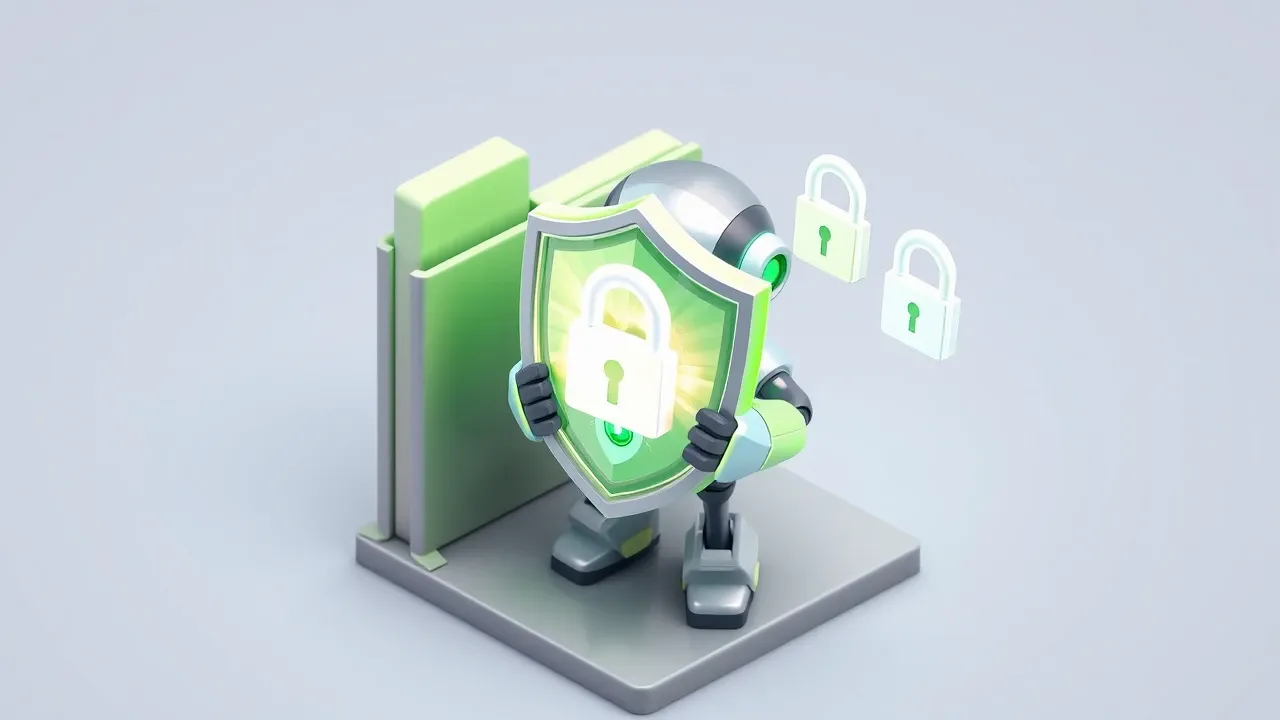
An onboarding agent handles sensitive data and the trust of someone just arriving. So it needs clear limits, not just good intentions.
Three safeguards handle most of the risk:
- Answer only from the source. The agent speaks from the documents you uploaded. If the answer is not there, it says it does not know and routes the question, instead of guessing a policy that does not exist.
- Sensitive-data guardrails. Salary, personal data, and restricted information should not leak in an automated reply. A good agent blocks that out of the box.
- A log of every conversation. Knowing what was asked and answered lets you audit, correct, and prove compliance. This is not surveilling the employee, it is keeping the process traceable.
With those limits in place, the agent speeds things up without becoming a new risk. Without them, you trade the HR bottleneck for a trust problem.
Want to give new hires a welcome that does not depend on who happens to be free? With SquadOS you build the onboarding agent by chatting: describe what it does in AgentMaker, upload the policies as a knowledge base, connect the channel the team already uses, and the guardrails come switched on. Start with the first week, where it hurts most, and expand the agent across the rest of the journey from there.